

Checking your Kenya Power and Lighting Company (KPLC) bill has become more convenient and user-friendly, thanks to the introduction of various digital methods. Here’s a comprehensive guide on how to stay updated with your electricity usage using different methods:
RELATED: How to Connect ChatGPT to the Internet (+Video)
Table of Contents
Introduction
Gone are the days when you had to wait for your electricity bill to arrive via postal mail. KPLC has revolutionized bill checking through its self-service module, enhancing service delivery significantly. Now, you can easily access your bill and other services through SMS, USSD, and e-mail.
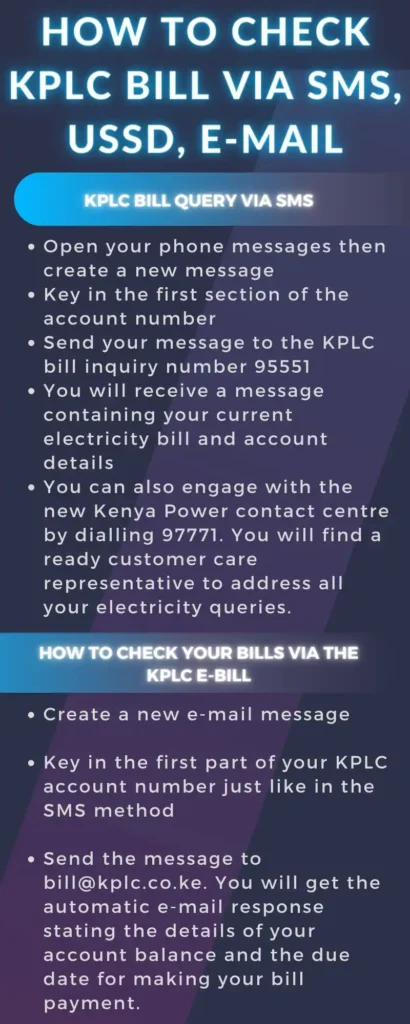
Checking KPLC Bill via SMS
- Ease of Use: SMS enquiry is a straightforward process that saves you from unexpected power cutoffs due to unpaid bills.
- Steps:
- Open your phone’s messaging app and create a new SMS.
- Type the first part of your account number (omit the hyphen and numbers following it). For example, for account number 123456-98, just type 123456.
- Send this message to the KPLC bill inquiry number 95551.
- You’ll receive a message shortly with your current electricity bill and account details.
- For additional support, you can dial 97771 to connect with the Kenya Power contact centre.
Checking Bill Online
- Convenience: Online bill checking is available through KPLC’s self-service portal, offering a seamless experience in managing your bills.
- Process:
USSD Code for Bill Checking
- Accessibility: USSD code service is quick and easy to use for both postpaid and prepaid customers.
- Functionality:
e-Bill Service
- Email Option: KPLC’s e-bill service enhances the customer experience by allowing bill checking through email.
- Procedure:
- Create a new email message.
- In the subject field, type the first part of your KPLC account number (similar to the SMS method).
- Send this email to [email protected].
- You will receive an automated email response with your account balance and payment due date.
These methods have made it much more convenient for customers to keep track of their electricity usage and payments, ensuring transparency and ease in managing utility expenses.
Comments